Aeris Calendar Information
Calendar
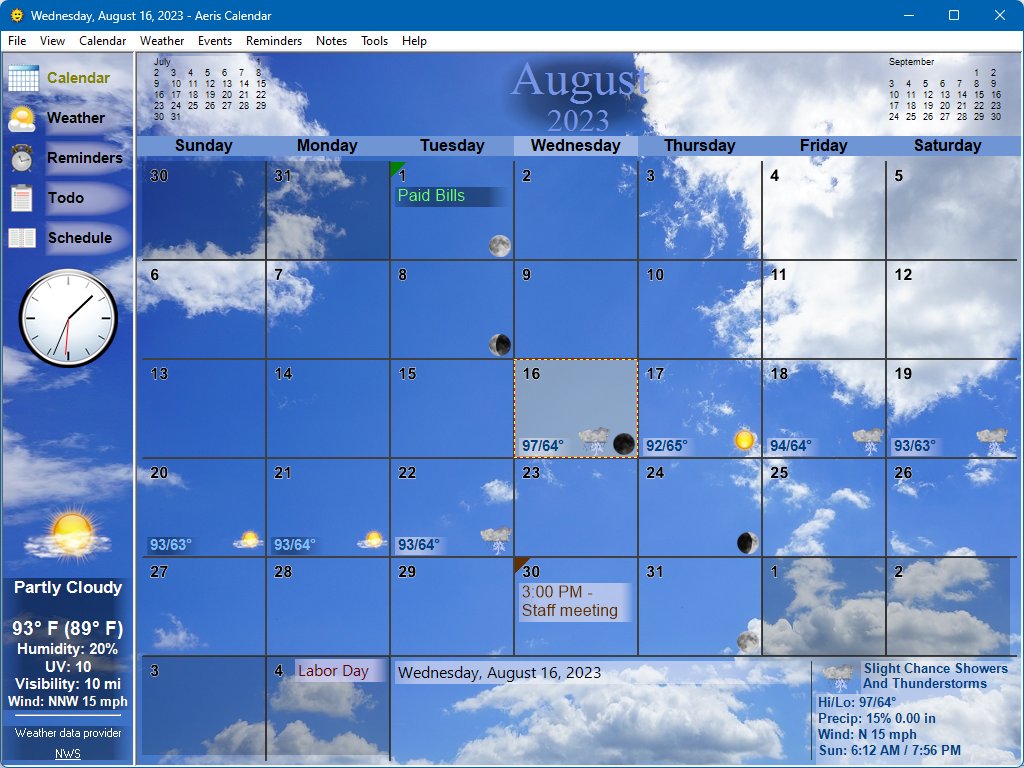
The calendar behaves just like a wall calendar. All the important information can be displayed directly on the calendar including Holidays and other events like birthdays, daily notes, moon phases, appointments and other reminders. The weather forecast is also displayed on the calendar so you can see what the weather will be like for the coming days. Themes allow you to select the background image so you have the full experience of a wall calendar right on your desktop. When you want to print the calendar, you have the option to remove the elements that you don’t want.
 Current Weather Conditions
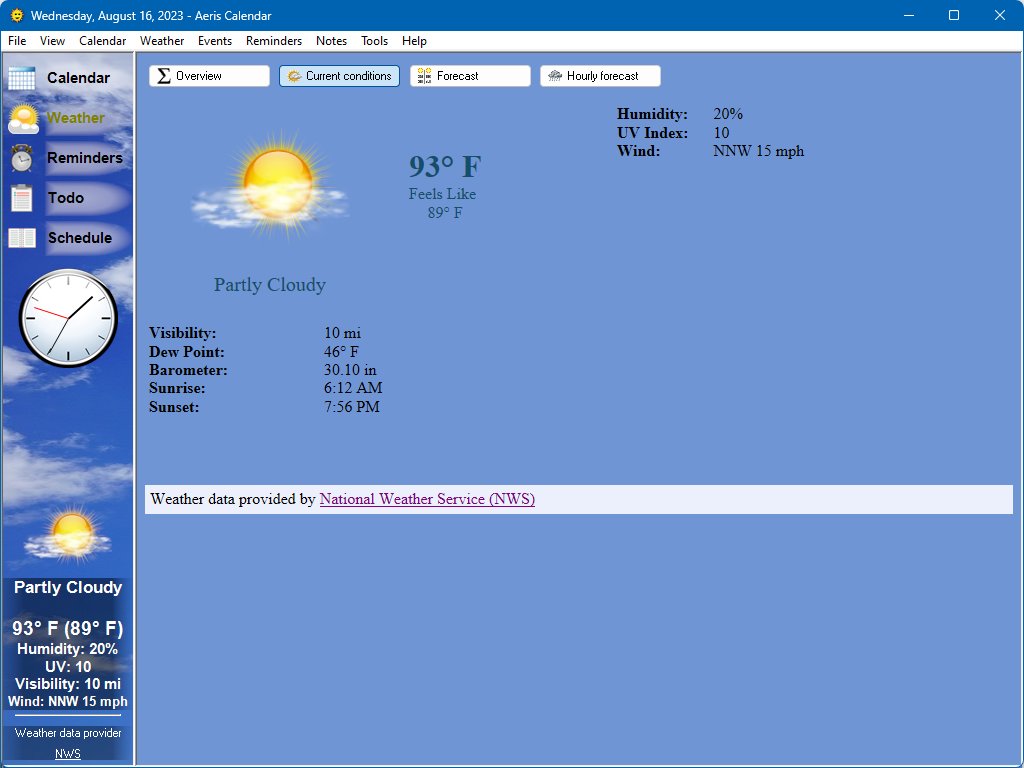
After selecting the location that you want to retrieve weather forecasts for, Aeris Calendar will keep you up-to-date on the current weather conditions including a description (for example, partly sunny) temperature, humidity, wind speed, UV index, and several other details. This information is displayed in several convenient places such as the main window, the desklet and the tray icon. You can select one or two values to be displayed directly on the tray icon (for example, temperature and wind speed) so you can always see what matters to you most without having to open any windows.  You can also customize what gets displayed when you hover your mouse over the tray icon.
Weather Forecasts
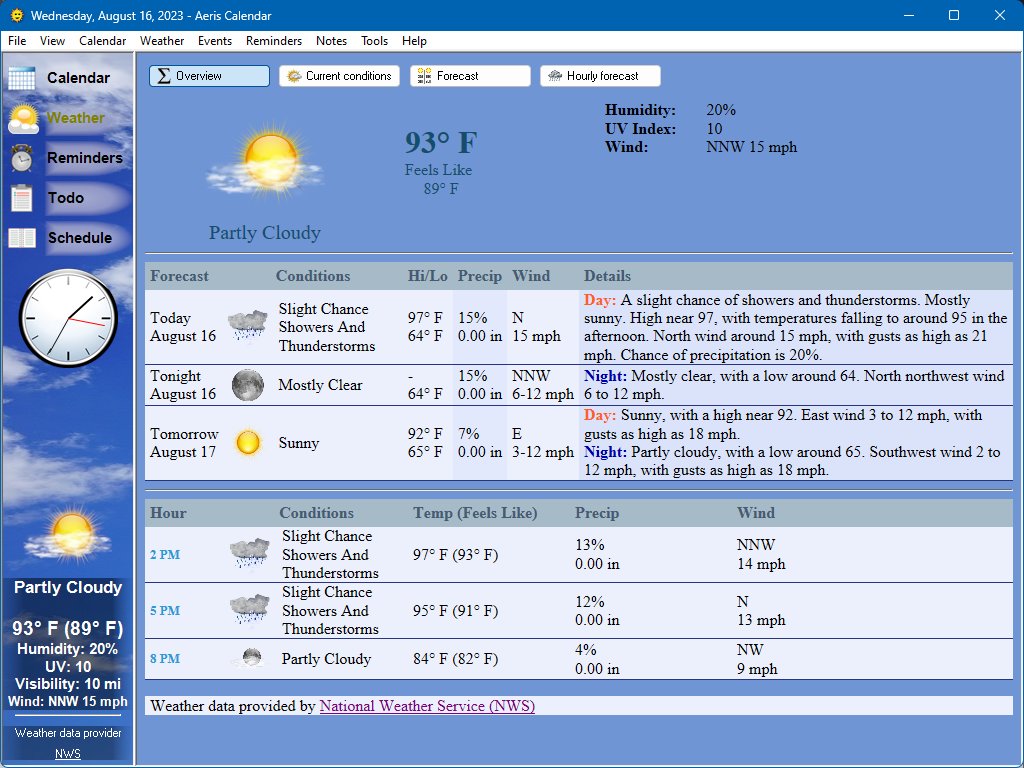
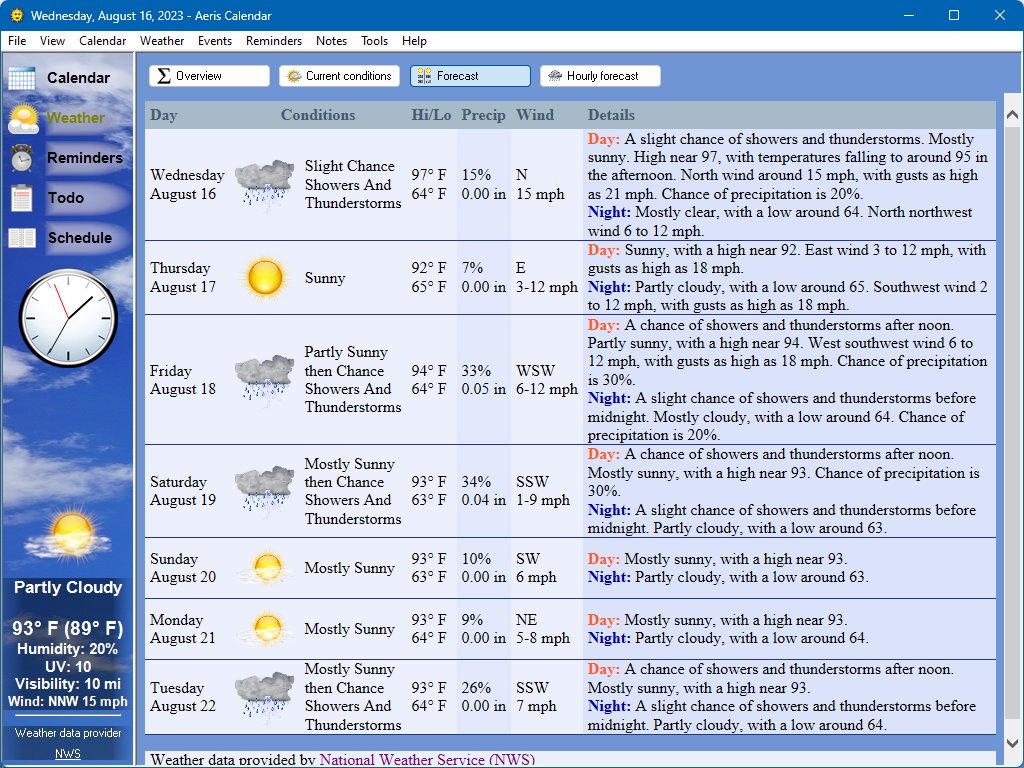
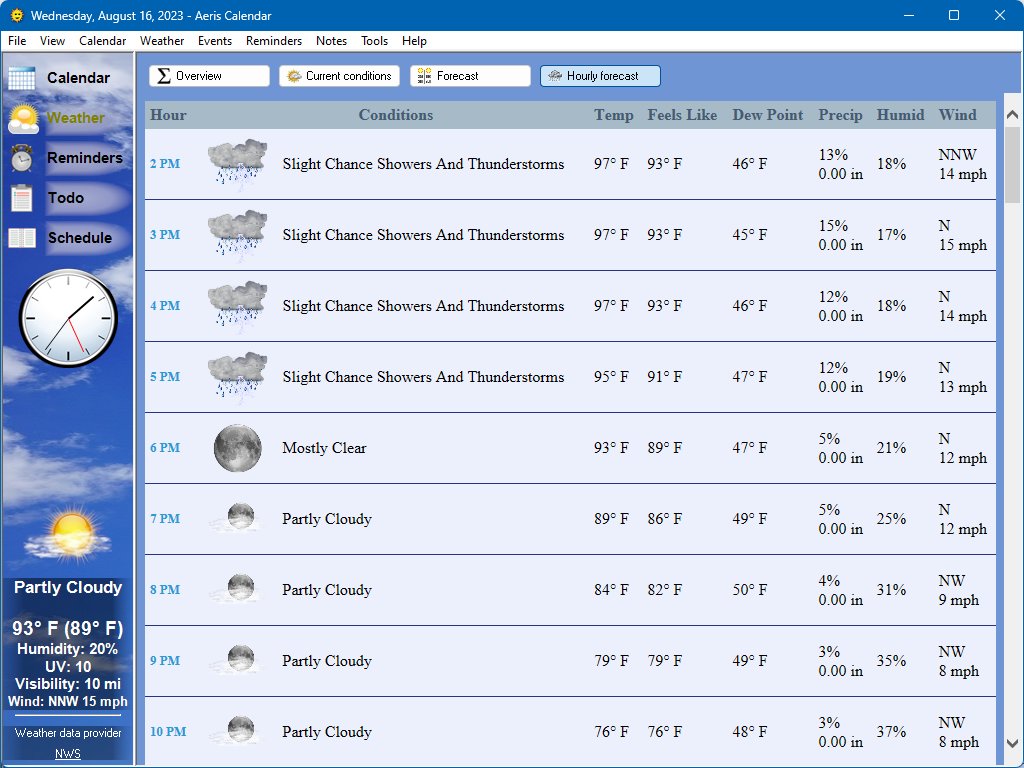
Aeris Calendar features a detailed extended day forecast and an hourly forecast. An icon describing the conditions and the expected high/low temperatures are displayed directly on the calendar for the upcoming days. You can hover your mouse over the weather information for even more detail. All weather conditions and forecasts are also available in integrated HTML pages so you can view the information in a more traditional format.
Severe Weather Alerts
When severe weather hits your area, you have several options to alert you. You can play a customizable sound and popup a message box and/or Windows balloon tip to display detailed information on the alert. There’s also an option to change the color of the desklet to signal when the alert has started and when it’s over. A description of the current alert is displayed on the main interface and on the Current Conditions weather page.
Events
Events are special occasions like birthdays, anniversaries and holidays. The event editor allows you to create events that will appear on the calendar. You can also assign an icon to the event that will also be displayed on the calendar. By specifying a theme, the theme will be used on the day of the event. You can also associate reminder with the event, for example, to remind yourself to buy a gift for someone’s upcoming birthday. And now it’s even easier to access your events that you’ve already created online such as Google Calendar.
Schedule
The schedule page displays your upcoming events and reminders. Several display styles are available including agenda, daily, weekly and custom. Agenda will list your important upcoming events while the other formats will show the events in hourly blocks.
 Reminders
Reminders are a way to audibly and/or visually remind you of an appointment or other event. You can specify a one-time reminder by providing the date and time, or by specifying a relative time such as “one hour from now.” You can also create recurring reminders that will repeat daily, weekly, monthly or yearly. Reminders can be displayed on the calendar directly or represented by a tick-mark on the days that they are active. Hovering your mouse over the tick-mark will display the reminders for that day.
Todo list
Aeris Calendar has a todo list that allows you to assign tasks that need to be completed. You can set a percentage complete or simply check it off when it’s done. Items can be rearranged or sorted and you can even display it on the desklet for easy access.